Epitome Living’s dream home: office technology Installations
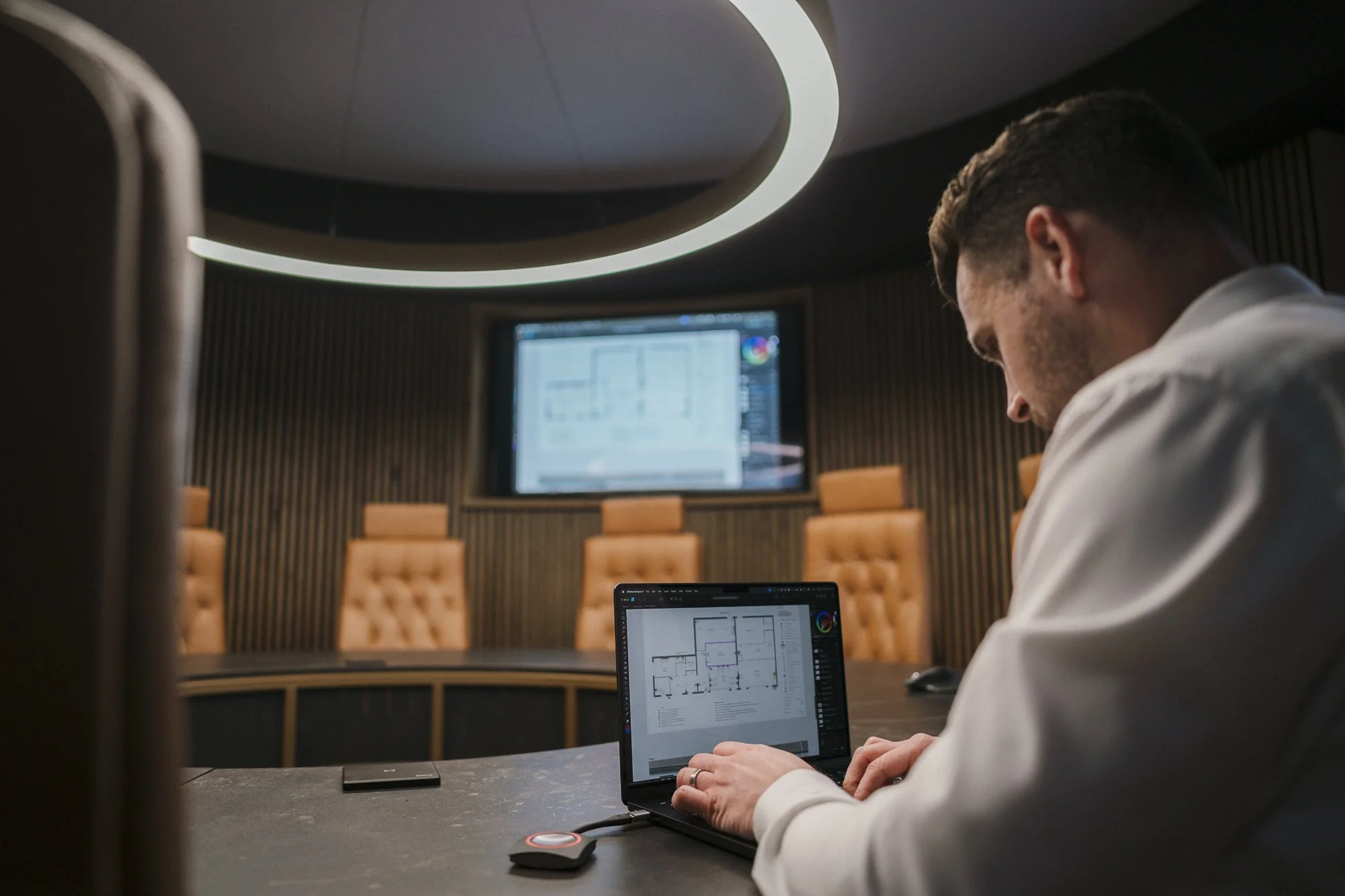
Our boardroom installation at T3 Conference & Events Centre
Our dream home series now takes us to the office.
We’ve visited the living room, kitchen, and master bedroom already, sharing the technology we’d install in each space for them to function optimally.
Strength of connection comes from strength of network
Aside from any particular brand of light or computer, our main concern for offices is the strength of their network.
What is a network?
A network is the backbone for technology. It’s ‘for the internet’ - the infrastructure that brings the internet to your devices. That begins with how and where the internet is brought into your home (ideally a central location for even distribution across the space) and then its accessibility around your home.
Wired vs wireless
If you have a dedicated office space in your home, then connecting to the network via ethernet cable is the most reliable way to go. That means that devices that live in fixed locations - like desktop computers and printers - don’t rely on WiFi for their connectivity, but are connected to the internet through cables. You’ll often hear these described as ‘data points’.
You wouldn’t connect a laptop to the network via cable as they’re designed to be portable, and therefore connect to the internet via WiFi. When you would want to plug your laptop into an ethernet point is if you’re using peripheral devices like monitors. This wired connection increases the speed of your network, allowing for more efficient working.
If you want to base yourself on the sofa, then WiFi access is more than sufficient. You want the network in your home to be strong enough to carry both wired and wireless loads in different locations around your home to give you choice and freedom as you work.
Our dream scenario for home or business owners investing in smart technology for their space is that they get the network right from the very beginning. This means that it’s been designed to withstand the demand placed on it given its typical use. This is more important to us than how the space looks.
The CPD we deliver to architects and interior designers called Designing the Connected Home shares that in 2019, most people had seven personal devices that required wireless access to the internet. That’s a jump from one the ten years before, and has no doubt increased in the past seven years.
If you’re running a business, either from home or a commercial office, WiFi demand is only one of two primary concerns when it comes to networks. A local network gives local access to large stored files, removing reliance on the cloud. This is particularly important in creative industries.
Having multi-gigabit local network connections means fast access to important files when needed. It also increases security measures, as it allows for the storage of copies of your data ‘in house’, not just on a cloud server somewhere else in the world.
No dedicated office? No problem
If you don’t have a dedicated room for an office in your home, a home office-set up can be easily integrated into a media room or other space. The most important consideration for creating a solid work-from-home condition is a strong network, which is why this blog is focusing so much on infrastructure rather than our dream fixtures and fittings.
If you want a dedicated workspace in your home and you’re not sure where it’s going to be, it’s worth adding data points to strategic locations anyway. If there’ll be a TV nearby - or there may be some day - plan for the flexibility ahead of time. What we say in Northern Ireland is “better looking at it than looking for it”.
Otherwise, distributing the WiFi around your home well should be a priority. Our dream scenario is that your home has no dead spots and no upload or download speeds dragging based on your location. You should be able to work from anywhere you like in your home - whether that’s the kitchen, the back bedroom, or the attic. Ideally we’d have you working from the garden, too. More on that another time.
For now, you can read more about the infrastructure needed for high-performing WiFi here.
Corporate applications of home office technology
Did you know that Epitome Living also designs technology and installs technology in corporate offices? Our dream spaces in these scenarios are those where the business trusts our expertise to give them the best infrastructure and corporate conferencing experiences possible.
Commercial office projects have been increasing for us over the past two years. Part of that is due to the increase in virtual meetings that have been taking place since the COVID-19 pandemic. Another part of that increased demand comes from making the lives of employees easier and enhancing the in-person working experience with technology that simplifies processes and makes being in the office more appealing.
Employers are increasingly leaning into ‘resi-mercial’ design for commercial offices. These combine the aesthetics and feel of residential spaces - that’s comfort, softness, and intentionality - with the demands of the modern workplace. The goal of resi-mercial design is to boost employees’ wellbeing by creating spaces that help them to do their best work.
Strong networks are key in these commercial spaces also. Offices have greater demands from their networks as they have more than one or two people sending emails, scheduling Zoom calls, and working on spreadsheets at any given time.
Balancing the technological demands of that reality with hiding cables and creating beautiful commercial rooms is where technology professionals that care about both performance and design come into the equation.
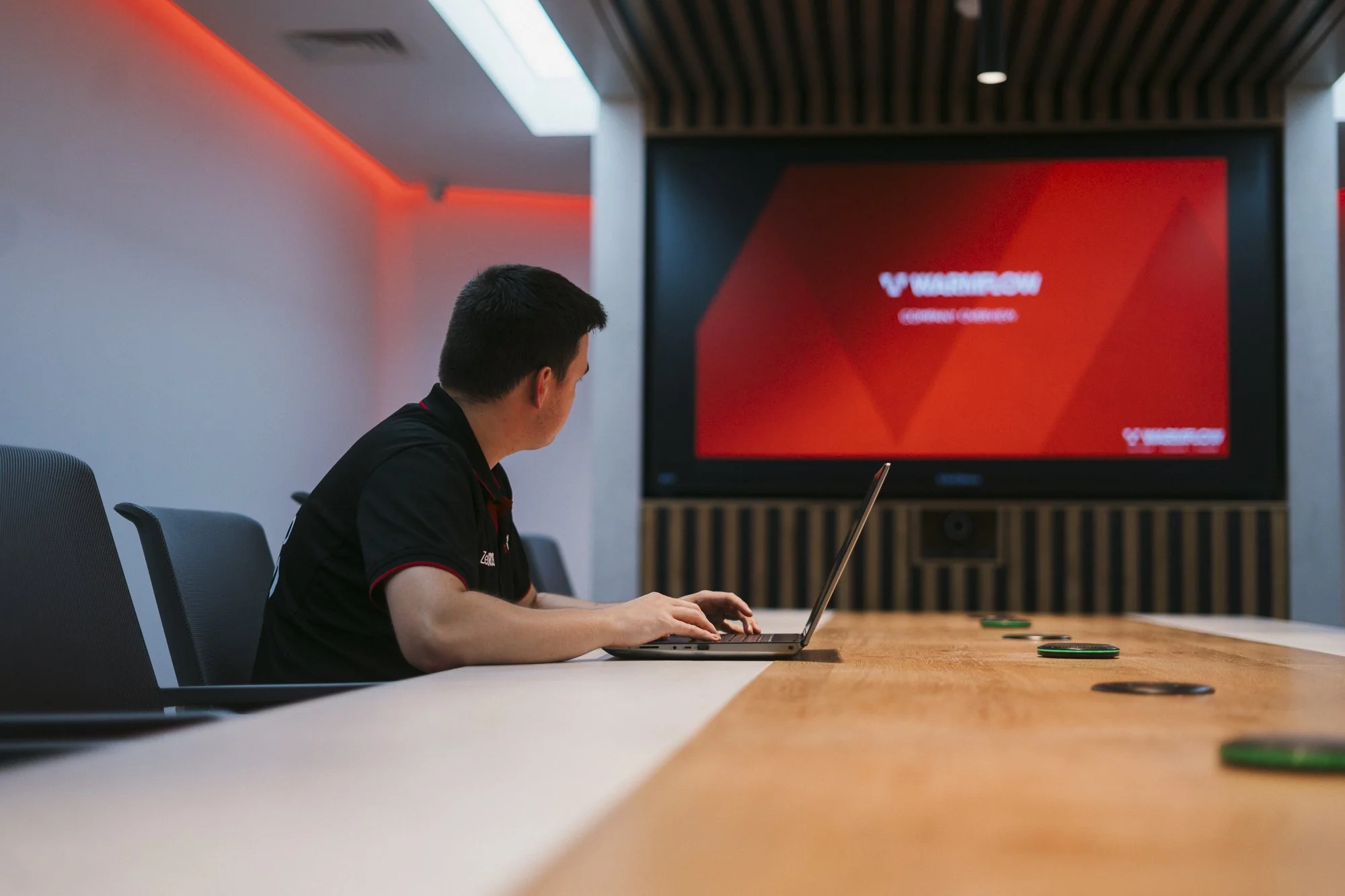
Take a look at our recent conferencing facilities at Warmflow here.
Standard procedures
In both residential and commercial office designs, lighting is a key consideration for the design-conscious installer. Our dream offices combine focus lighting for tasks and dimmable lighting elsewhere for ‘normal work’ that can be brightened for clarity on online meetings.
If you have a smart system in your home, these demands will have been met and managed by your technology installer already. Layered lighting makes spaces better - period. That’s the combination of LED, overhead lights, lamps, desk lamps. Anything that adds depth and dimension to the space and allows you to see what you need to.
Air quality and heating and cooling also play a role in how your office feels throughout the day. No one works well in a stuffy or freezing room. No one works well in an uncomfortable chair, either.
If you want some help establishing the lighting layers you need, or where to put your data points, we’re available at info@epitomeliving.com. If you have architectural or interior design plans available, send them our way. If you have ideas only, let’s start a conversation